Getting an OpenAI API key costs nothing; OpenAI bills per token once your code sends requests, and a ChatGPT subscription does not cover API usage. Budget from the model tier, the input and output token split, and the processing mode you choose, then confirm current rates on OpenAI's pricing page before you commit.
- No issuance fee appears on OpenAI's pricing page, so the meaningful cost question is the per-token rate your workload will consume.
- Output tokens are billed at higher rates than input tokens, and cached input and batch processing are priced differently from standard interactive requests.
- API keys belong to projects, are shown only once at creation, and should be stored in a secret manager and injected as environment variables.
- A monthly spend limit combined with per-call telemetry in tokens, latency, and cost catches runaway retries earlier than a month-end invoice does.
- Rates and model names change over time, so re-verify figures on the official pricing page and note the date you checked them.
Why the Credential Itself Has No Price
Searching for how to get an OpenAI API key cost usually conflates two different things: obtaining the credential and paying for the tokens your code consumes. Issuing a key carries no listed price on OpenAI's pricing page, which meters usage per token, and a ChatGPT Plus subscription is a separate product from platform API billing. The real question is not what a key costs but what your first production workload costs per request, per workflow, and per month, and that requires a model choice, a token estimate, and a billing control rather than a checkout step.
Reading the Meter: What Actually Drives the Number
OpenAI bills input and output tokens separately at per-model rates, and the official pricing page lists different rates for standard, cached-input, and batch processing, so identical workloads can land at very different totals. Output tokens are the expensive half, cached prefixes bill at a fraction of fresh input, and asynchronous batch jobs are discounted relative to interactive traffic. Model tiers stretch the spread by more than an order of magnitude, so the cheapest tier that still passes your evaluation is usually the right default. Because rates and model names change, comparison tables published weeks apart can disagree with the official page; plan against the pricing page and record the date you checked it.
Creating the Key Without Creating a Billing Incident
Key creation happens in the platform dashboard, inside the project that should own the key. The secret value is displayed once, so copy it directly into a secret manager rather than a chat message or a repository file. Scope each key to the endpoints one service needs, keep separate keys per environment, and load the value from an environment variable, since the official SDKs read OPENAI_API_KEY automatically. Before sending production traffic, attach a payment method, set a monthly spend limit, and decide whether auto-recharge fits your environment. Dashboard labels and menu placement change, so follow the current platform UI rather than an older screenshot.
Verifying Cost and Catching Failures Early
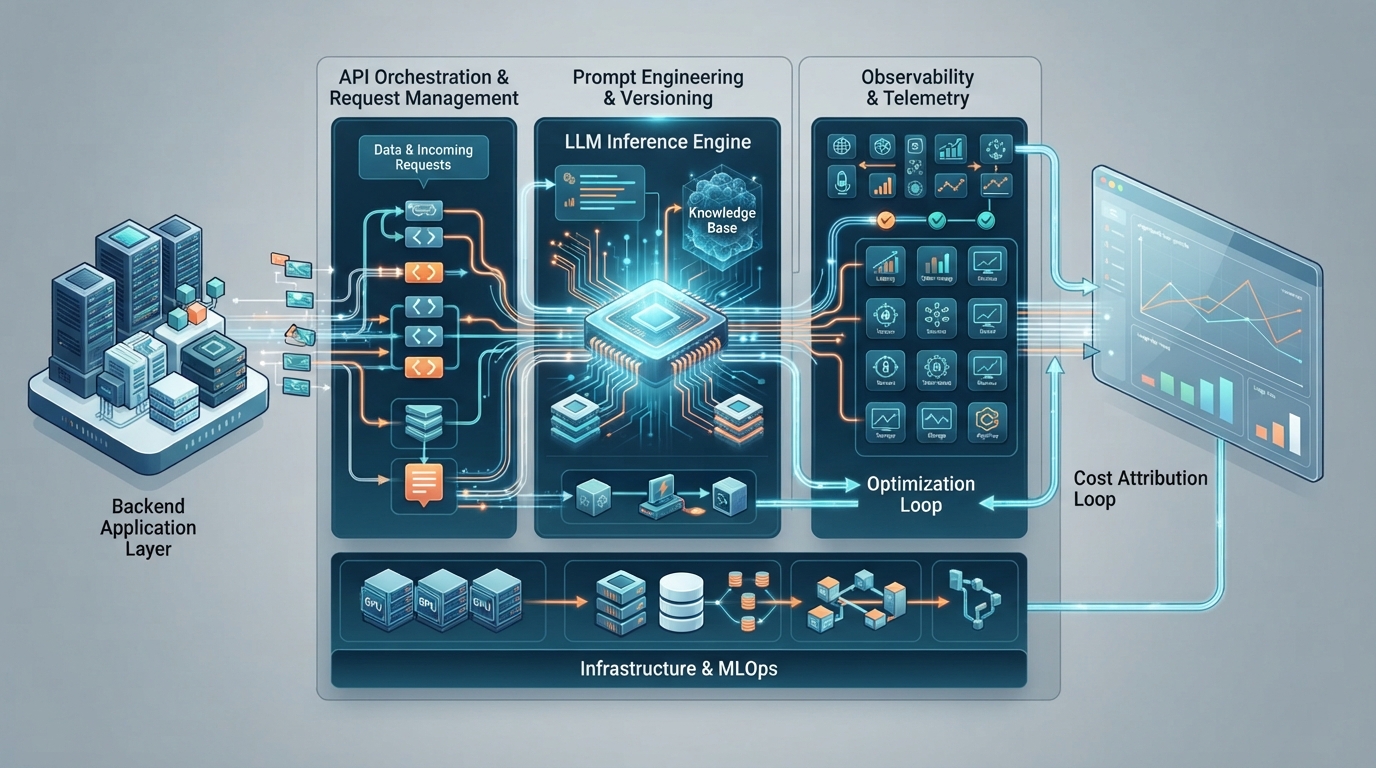
Send one small request first and confirm the response, the model ID you intended, and the token counts in the usage field, because those counts, not request volume, are what the invoice follows. Treat each failure class as a distinct problem with a distinct cost exposure. Instrument every call with model, prompt tokens, completion tokens, latency, and a request identifier, then aggregate cost per workflow so retry storms or runaway conversation history appear as a trend instead of a month-end surprise. Spend limits are a guardrail, not a substitute for per-call telemetry.
- 401 responses point to a missing, rotated, or revoked key and should not be retried blindly.
- 429 responses indicate request or token-per-minute limits and need backoff with jitter rather than immediate retries.
- 5xx responses are transient server-side failures; retry with backoff and record the request identifier for escalation.
Sources
- Pricing OpenAI · 2026-09-28
- Developer quickstart OpenAI · 2026-09-28
- Libraries OpenAI · 2026-09-28
- OpenAI API pricing in 2026: every model from Astra to Luna CloudZero · 2026-09-28